

 Pixlr
Pixlr
A cloud-based set of image tools and utilities, including several photo editors.
Introduction to Pixlr
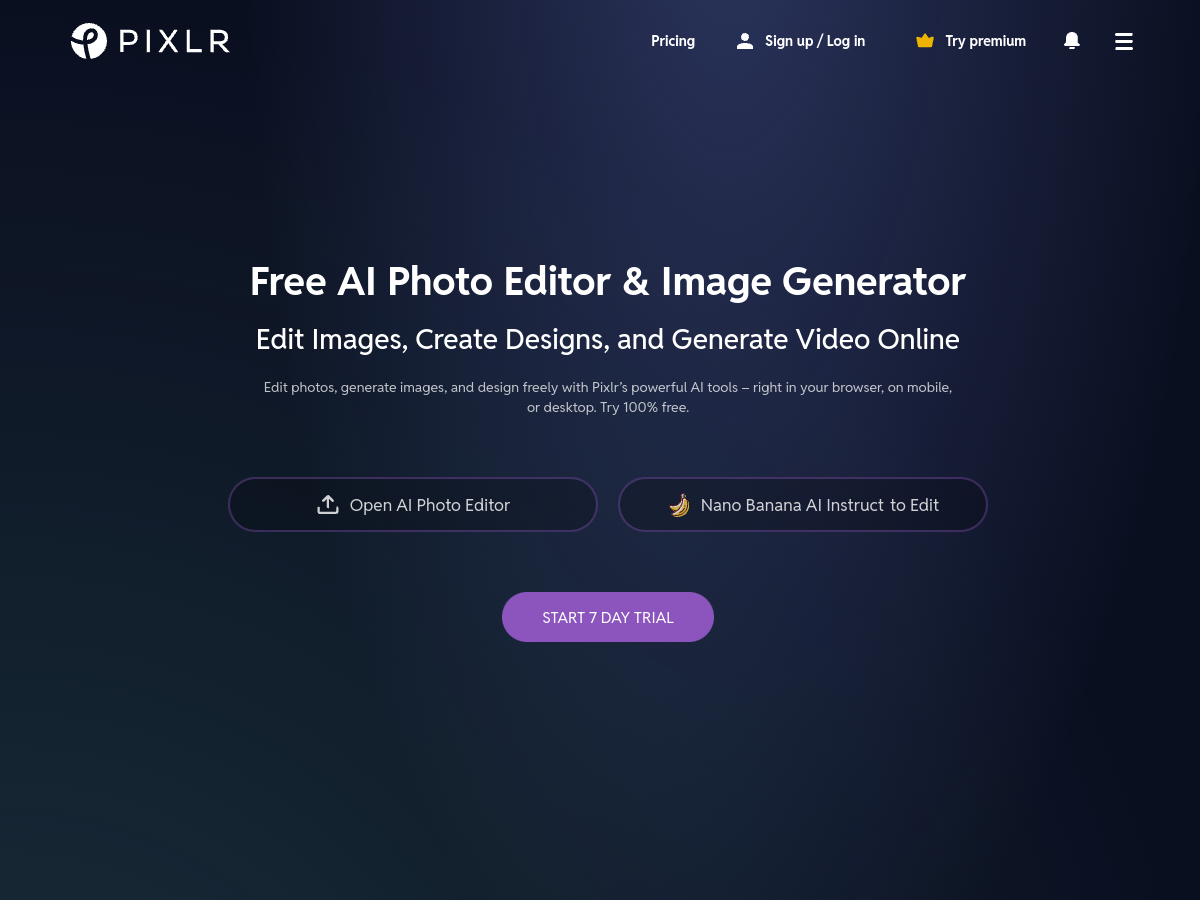
Pixlr has long been a staple in the world of online photo editing. It provides a suite of web-based tools that range from simple mobile-style filters to advanced photo manipulation features. Pixlr is divided into several specialized applications: Pixlr X for quick and easy designs, Pixlr E for advanced photo editing, and Photomash for one-click background removal and high-end visual production.
Technical Capabilities
Unlike many other browser-based editors, Pixlr E supports layers, masks, and various brush types, making it a viable alternative for users accustomed to Adobe Photoshop. It utilizes AI-powered tools to automate tedious tasks such as removing backgrounds, selecting objects, or enhancing image clarity. The platform supports almost every image format, including PSD (Photoshop), PXD, JPEG, PNG, and WebP, providing great flexibility for professional workflows.
User Experience
The platform is highly accessible, requiring no installation. Its modern interface is clean and responsive, performing well even on standard hardware. Pixlr’s integration of AI significantly speeds up the creative process, allowing users to focus on the artistic aspects of their work rather than technical adjustments. It is perfect for creators who need powerful editing tools on the go.




A curated minimalist library celebrating global visual language with millions of beautifully clean, high-contrast vector icons and stock photos.